
Pokodrop Features
Everything you need to collect customer documents with zero apps, zero phone number sharing, and client-side zero-knowledge encryption.
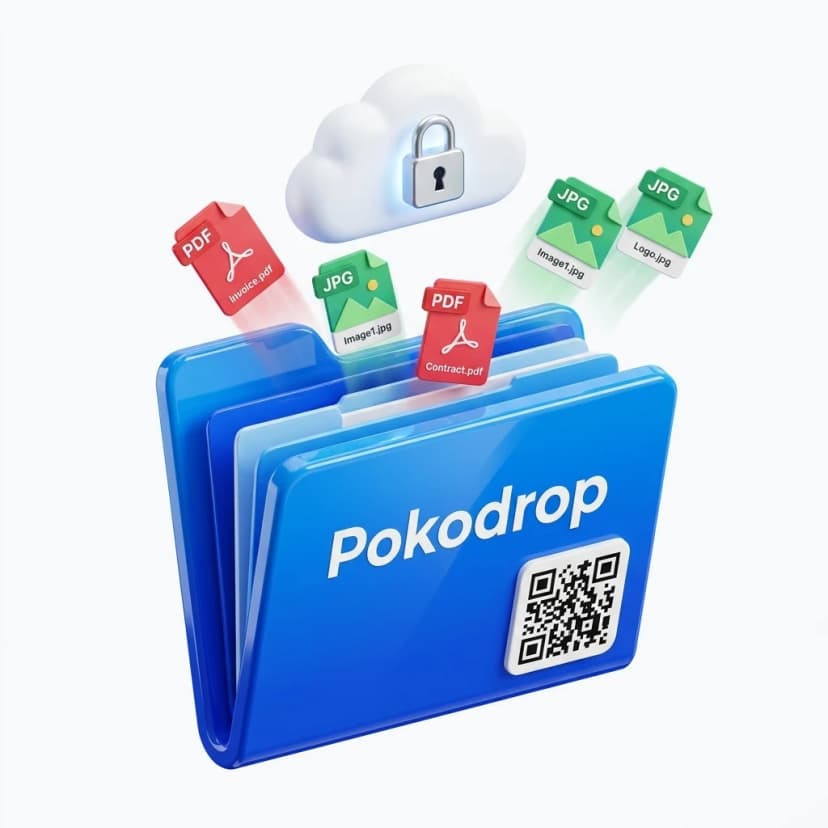
1. QR-Based Document Drop
Every registered shop receives a unique, permanent QR code linked cryptographically to their shop queue. Customers simply point their camera, select their files, and upload in seconds without typing phone numbers or email addresses.
- No number saving or WhatsApp contact exchange
- Instant scan to in-browser upload portal
- Printable high-resolution 3D counter stand included
2. Zero Customer App Installation
Customers don't need to install an app, create an account, remember passwords, or grant broad contact permissions. The upload portal runs seamlessly inside any mobile browser (Safari, Chrome, Firefox, Samsung Internet).
- No app store downloads or APK installs
- No customer account registration required
- Fast 10-second drop from any smartphone
3. 256-Bit Client-Side Zero-Knowledge Encryption
Files are encrypted client-side in the customer's browser using AES-256 before any bytes travel over the network. Pokodrop servers receive only encrypted ciphertext payloads, ensuring zero access to sensitive document content.
- Client-side encryption using modern Web Crypto APIs
- Zero plaintext storage on cloud servers
- Protects sensitive IDs, tax filings, and legal contracts
4. Live Real-Time Queue Dashboard
Incoming customer uploads arrive automatically on your shop PC dashboard organized into clean customer session cards. Real-time updates ensure you see new jobs the moment they drop without refreshing the page.
- Real-time WebSocket synchronization
- Multi-file customer session grouping
- Live status badges (Uploading, Ready, Printed)
5. Direct 1-Click Browser Printing
Print directly from your shop browser with a single click. Pokodrop opens the print dialogue natively without saving dozens of temporary files into your PC's local Downloads folder.
- 1-click native browser print dialogue
- Download decrypted files if manual editing is needed
- Keeps local computer drives clean and organized
6. Multi-Format & Bulk File Support
Whether customers need single-page receipts, 100-page academic theses in PDF, high-res photo prints, or Word spreadsheets, Pokodrop processes and queues them with full file metadata and thumbnail previews.
- Full support for PDF, DOCX, XLSX, JPG, PNG, WEBP
- Multi-file bulk uploading in a single session
- Automatic file size and type validation
7. Automated Retention & 1-Click Data Wipe
Once a customer's documents have been printed, the shop operator can wipe the session permanently with 1 click. Automated TTL retention lifecycles ensure no abandoned files remain stored.
- 1-click instant session wipe after job completion
- Automated lifecycle expiration for completed queues
- Eliminates customer data breach liabilities
8. Real-Time Audio & Visual Alerts
Get instant visual toasts and optional audio pings on your shop dashboard whenever a walk-in customer uploads documents, keeping your service counter moving at top speed.
- Instant on-screen drop notifications
- Customer name and file count preview
- Streamlines busy counter queues during peak hours
See How Pokodrop Fits Your Business
Experience the Zero-Friction Difference
Create your shop counter QR code in under 60 seconds. Free forever on our basic plan.